Alternative to Microsoft 365: simple, affordable business email
Picture a five-person business that mostly uses Microsoft 365 (also known as Office 365) for email. On the entry-level Business Basic plan, that's about £324 a year plus VAT, after Microsoft's recent price increase in July 2026. The same team can have professional email on their own domain from just £39 a year.
Microsoft 365 is a brilliant suite if you use all of it. But if email is the main thing you use, you may be paying for a lot you never open.
Below, we compare what each option really costs, explain when Microsoft 365 is still the better choice, and answer the question people ask us most before switching: can I keep using Outlook?
Updated: 28 October 2026
Author: Written by the Absolute-Email team, specialists in business email for over 25 years
Quick answer
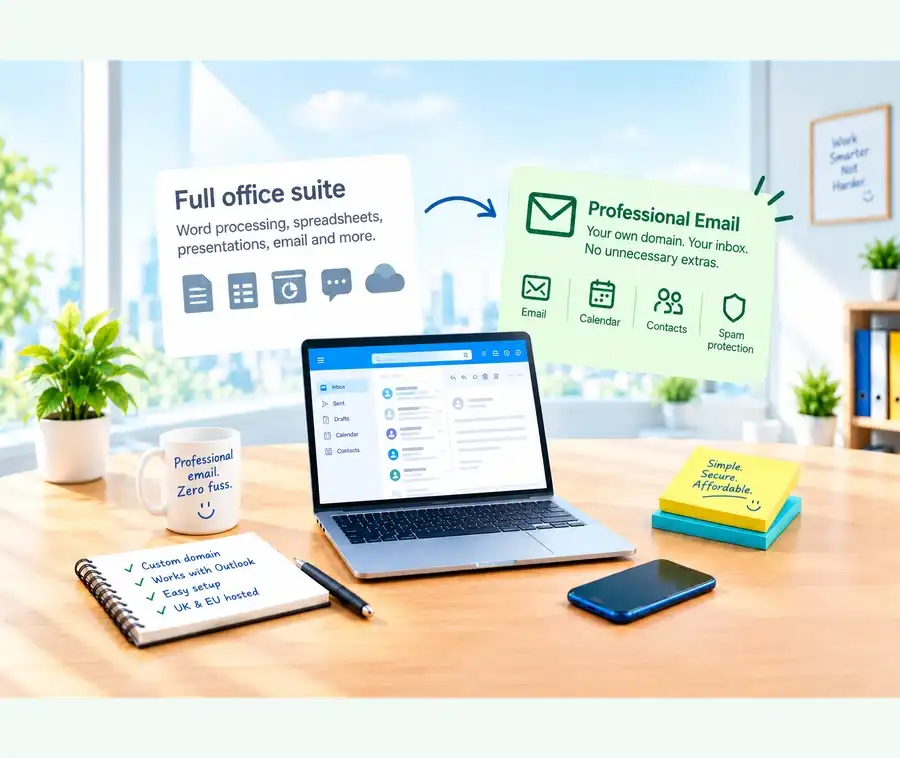
If you only need professional email on your own domain, you don't need a full productivity suite. A dedicated email service gives you custom addresses, webmail, calendars and spam protection for a few pounds a month, and it works with Outlook, your phone and any other email app via IMAP.
If your team works in Word, Excel and Teams every day, Microsoft 365 is still a sensible choice.
Why do people look for a Microsoft 365 alternative?
Most people aren't unhappy with the software. They've simply found it costs more, or is more complicated, than they expected.
The cost is charged per user, per month, so it grows with every person you add. There's a choice of Business Basic, Business Standard, Business Premium and Exchange Online plans that are hard to tell apart. You usually need to buy your domain separately and then configure DNS records and email authentication yourself. And you end up paying for Teams, SharePoint and other tools that many small businesses rarely open.
That's why so many people start by asking how much a business email address should really cost.
Microsoft 365 vs email hosting: what does a small business actually pay?
Here's a simple comparison for a small team that mainly needs professional email.
| Option | Per month | Per year | Domain |
|---|---|---|---|
| Microsoft 365 Business Basic * (5 users) | About £27.00 | About £324 | Extra cost |
| Absolute-Email (5 email addresses, 10GB each **) | £6.08 | £73 | Included |
| Microsoft 365 Business Basic * (10 users) | About £54.00 | About £648 | Extra cost |
| Absolute-Email (10 email addresses, 10GB each **) | £9.50 | £114 | Included |
* Microsoft 365 Business Basic (with Teams): £5.40 per user per month, billed yearly, plus VAT. Domain costs extra.
** Smaller mailboxes are also available: 1 address from £29 a year, 5 addresses from £39 a year, 10 addresses from £56 a year.
That's a difference of over £250 a year for a team of five, before you add the cost of a domain on the Microsoft side. For a team of ten, the difference grows to well over £500 a year.
Many businesses also use addresses such as hello@, sales@, support@ and accounts@ alongside individual staff mailboxes. As your team grows and additional addresses are needed, per-user pricing can become significantly more expensive than a dedicated email hosting package if you require separate logins and mailboxes for those addresses.
Microsoft's Business Basic plan also doesn't include the installed desktop Office apps, so you'd pay more again if you want those.
Microsoft prices change, and reseller pricing can vary, so it's always worth checking the current pricing before making a decision.
See our email packages and prices
Microsoft 365 email only: what are your options?
If email is all you need, there are three routes. Microsoft sells email-focused plans based on Exchange Online, though you still pay per user and still need a domain. Many web hosting companies include basic email, which can work if you already host a website with them. Or you can use a dedicated email hosting service, which provides professional email on your own domain, often with the domain included and the technical setup handled for you.
The right one depends on what you actually use. If you check email, share a calendar and send the odd attachment, you probably don't need a full suite.
When is Microsoft 365 still the right choice?
An alternative to Microsoft 365 isn't right for everyone. Microsoft 365 is a strong option if:
- Your team works every day in the installed Word, Excel and PowerPoint apps
- You rely on Teams for meetings and chat
- You need shared document storage and collaboration through OneDrive or SharePoint
- You need advanced device management or compliance features, which are part of the higher plans
If that describes your business, the suite is doing real work for you. If it doesn't, and email is the main thing you use, you can probably save money and simplify things by moving your email to a dedicated service. You can still keep using Word, Excel and other tools separately if you need them.
Microsoft 365 alternatives compared
Here is how the main business email options compare:
| Option | Best for | How you pay | Domain | Setup |
|---|---|---|---|---|
| Microsoft 365 | Businesses using Office apps, Teams and shared storage every day | Per user, per month | Usually bought separately | You or an IT partner configure it |
| Google Workspace | Businesses built around Google's apps | Per user, per month | Usually bought separately | You or an IT partner configure it |
| Email with web hosting | Businesses that already host a website | Often bundled with hosting | Varies | Varies by provider |
| Dedicated email hosting (e.g. Absolute-Email) | Businesses that mainly need professional email | Simple annual package, from £2.42 per month | Included for the life of your package | Set up for you |
If you're also weighing up Google's option, see this guide to a Google business email alternative.
Can I still use Outlook with a different email provider?
Yes, and this is the question that worries people most. You don't need Microsoft 365 to use Outlook with your business email.
Outlook can connect to other email services using IMAP, a standard that keeps your mailbox in sync across all your devices. Add your Absolute-Email address to Outlook on your computer or phone, and your sent and received emails stay up to date everywhere, including in webmail.
It works the same way with Apple Mail, Thunderbird and most other email apps, so you keep using whichever one you prefer. You'll find setup instructions in our help section.
Office 365 alternatives: is Office 365 the same as Microsoft 365?
If you're searching for an Office 365 alternative, you're looking at the same thing. Microsoft renamed Office 365 to Microsoft 365 in April 2020, and the business plans you see today are the successors to the old Office 365 plans. The term "Office 365" is still widely used, which is why you'll see both names in search results.
Is there a free alternative to Microsoft 365?
There are free tools for documents and spreadsheets, and free webmail accounts such as Gmail or Outlook.com. But a free account gives you an address that ends in the provider's name, not your own. For a business, that can cost you credibility, trust and sometimes deliverability.
If you're weighing it up, see the real cost of using free email for business, and this guide to getting a free business email without buying a domain.
How do I switch without losing my emails?
Moving is easier than most people expect. Your domain and email addresses can stay exactly the same, and your existing emails can be moved across to your new mailbox.
The steps are to set up your new mailbox, move your existing emails across, then update your domain settings so new emails arrive with the new provider. Our guide to switching business email providers without losing your emails walks through each stage, and our help article explains how to move your email to Absolute-Email. If you get stuck, our support team are always happy to help.
Professional email without the complexity
Absolute-Email has been trusted by businesses since 2001. You choose your address and we take care of the rest.
- A free domain for the lifetime of your package, registered and renewed for you
- 1 to 30 custom email addresses, with 1 to 10GB of space per address
- Works with Outlook, Apple Mail, your phone and any email app via IMAP, plus webmail
- Calendars and address books, out-of-office replies, and spam and virus protection
- No ads, no taglines added to your emails and no hidden fees
- Support from real people, not bots

It's great we can use any of our computers/mobiles to manage our emails & calendars, any time. We're on the move a lot so it's perfect!
Packages start from £2.42 per month, or from £3.25 per month for five addresses.
What should you look for in an alternative?
Before you switch, check what's included (in particular whether the domain is part of the price), whether the provider sets up SPF, DKIM and DMARC so your emails reach the inbox (see SPF, DKIM and DMARC explained), whether it works with Outlook and the devices you already use, whether you can speak to a real person when something goes wrong, and whether you can add addresses and storage as you grow.
Frequently asked questions
Can I get Microsoft 365 for email only?
Yes. Microsoft offers email-focused plans based on Exchange Online. You'll still pay per user and need your own domain, so a dedicated email hosting service can be simpler and cheaper if email is all you need.
Can I use Outlook if I leave Microsoft 365?
Yes. Outlook works with other email providers using IMAP, so you can add your Absolute-Email address and keep using it on your computer and phone.
Can I keep my domain and email addresses when I switch?
Yes. Your domain name and email addresses can stay exactly the same, and your existing emails can be moved to your new mailbox.
Where is my email data stored?
Absolute-Email packages are hosted within the UK or EU, so you don't need to worry about complicated cross-border data issues.
The bottom line
Microsoft 365 is excellent if you use all of it. If you mainly need professional email on your own domain, you can probably get what you need for a fraction of the price and with far less hassle.
Find your professional email address
Search for the address you want and see what's available. Your domain and email hosting come in one simple package, and we take care of the setup.
From £2.42 per month.